
Master The Engine.
Welcome to the most advanced AI book creation matrix. Follow these core operational rules for a smooth, glitch-free, top 0.1% execution experience.
1. The Dual-Mode Engine
Writing Mode: Designed for focused typing. You cannot drag and drop text or images in this mode to ensure your typing engine remains perfectly smooth.
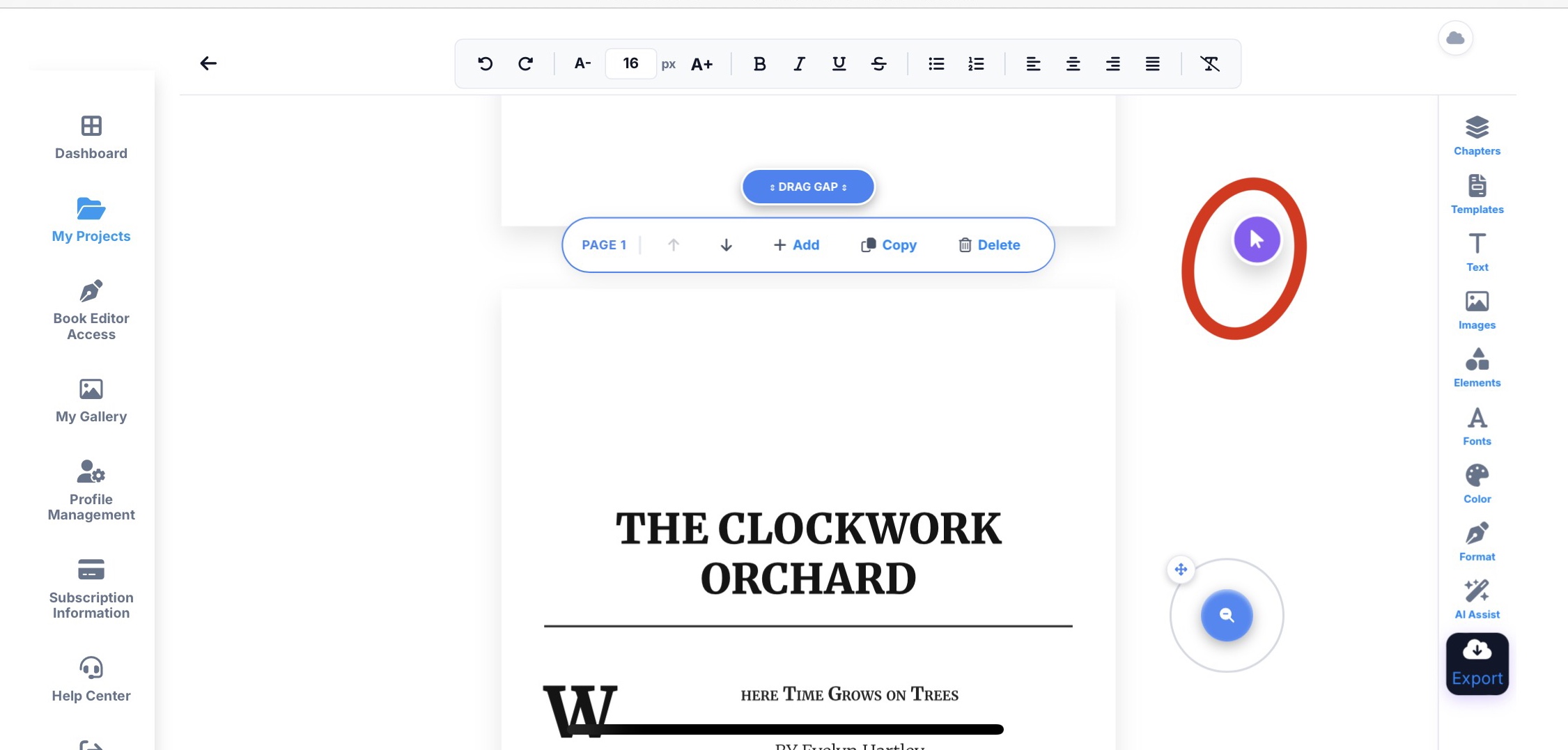
Drag & Drop Mode: To move or reposition elements, click the Pen Icon on the screen to activate this mode.
2. Matrix AI Assist
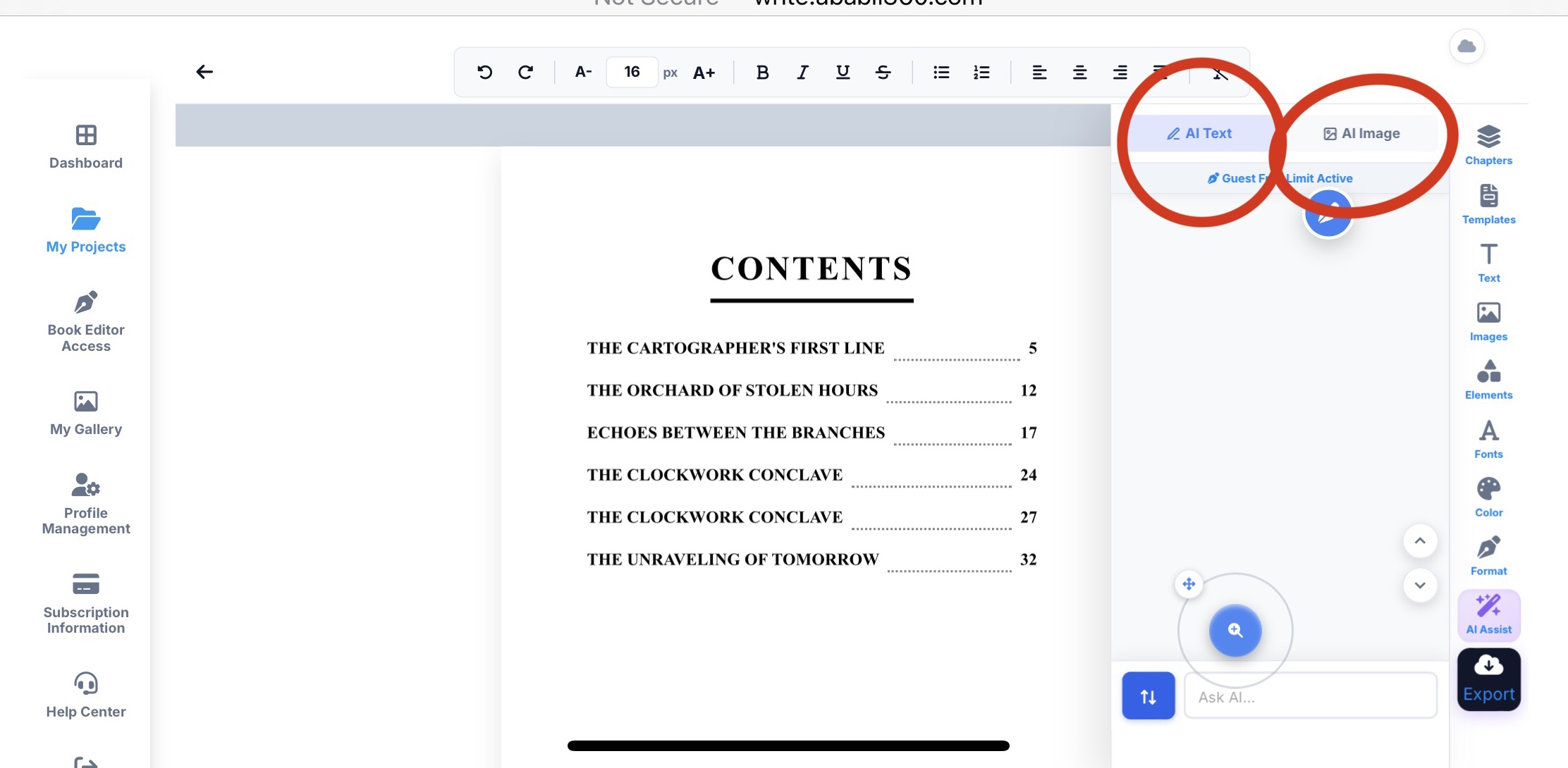
AI Text & Image: Click the AI Assist button to instantly generate text or custom images.
Auto-Chapter Injection: Type "Write next chapter" in the input box. The AI will read your full manuscript and inject exactly the next chapter.
3. 1-Click Formatting (Templates)
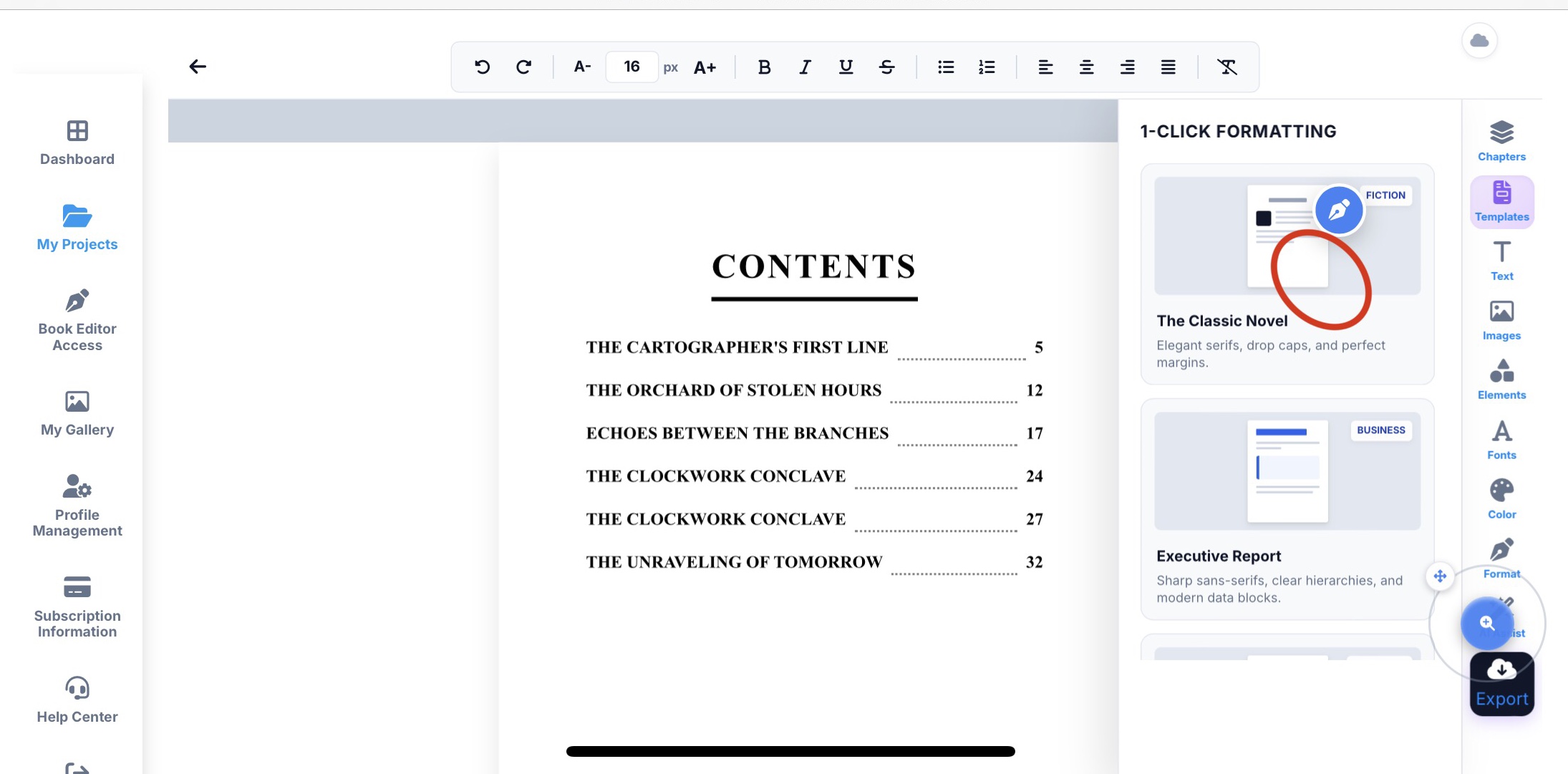
Click the "Templates" button to instantly change the structural look and feel of your full book. The AI will automatically adjust the typography and spacing.
4. Dynamic Table of Contents
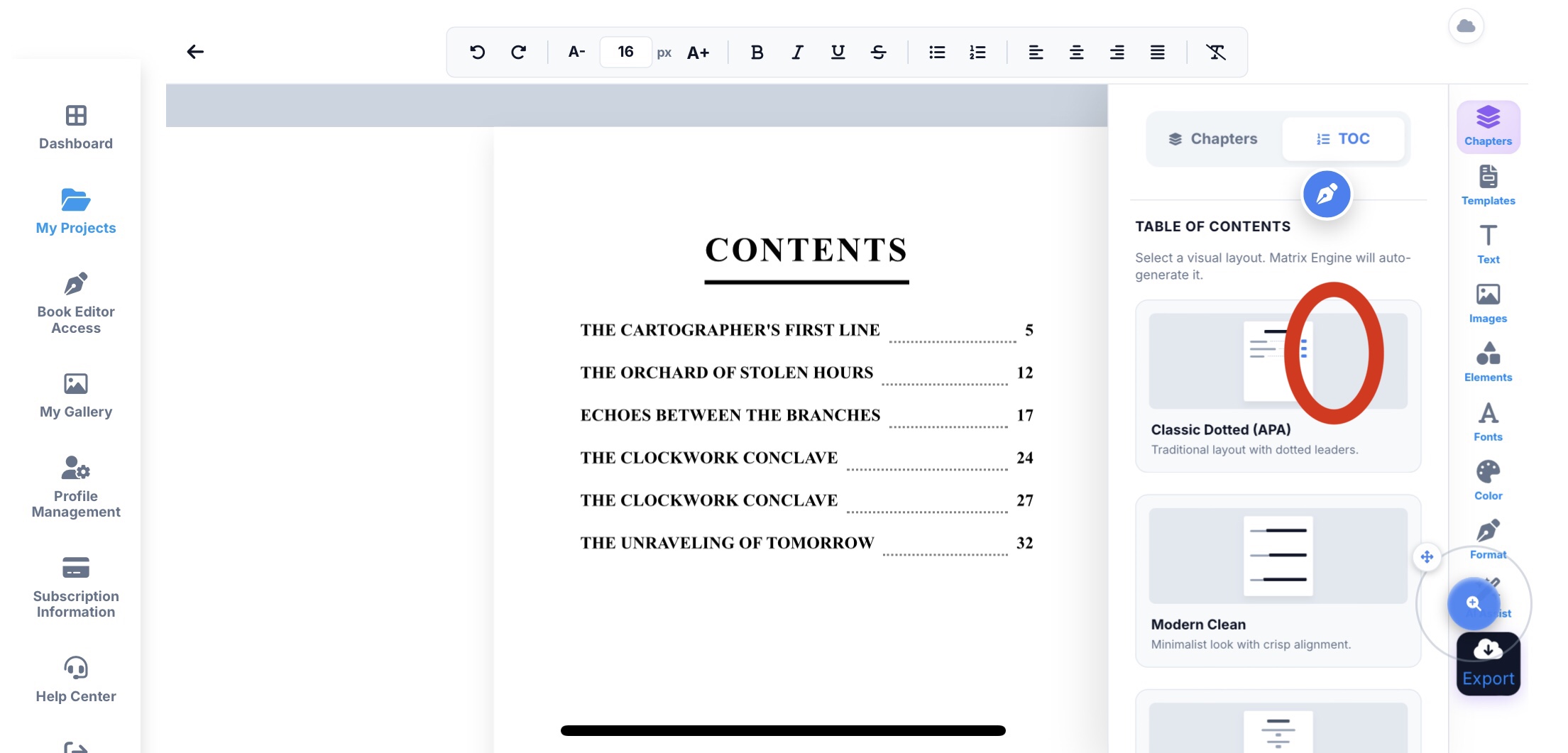
Click the "TOC" button to change the design of your table of contents. Your index will automatically update alongside your manuscript.
STRICT WORKFLOW RULES
Read these carefully to avoid data loss and performance limits.
- Write First, Edit Last Apply templates only after completing your full book. Make your manual edits or insert images after formatting. Why? Because applying a new template will override your manually edited fonts and may hide your custom layout.
- Mobile Browser Limits Warning for phone users: using unlimited elements or heavy images may exceed your mobile browser's memory limit, causing elements to hide. This is a device limitation, not the editor. If elements hide, simply Reload the page (your data is saved). Pro Tip: For elite execution, always use a PC.